Anime Avatar Fighting Official Links and Community Hubs
Roblox, the Avatar Fighting Team group, Discord, and this fan wiki. No Trello board exists.
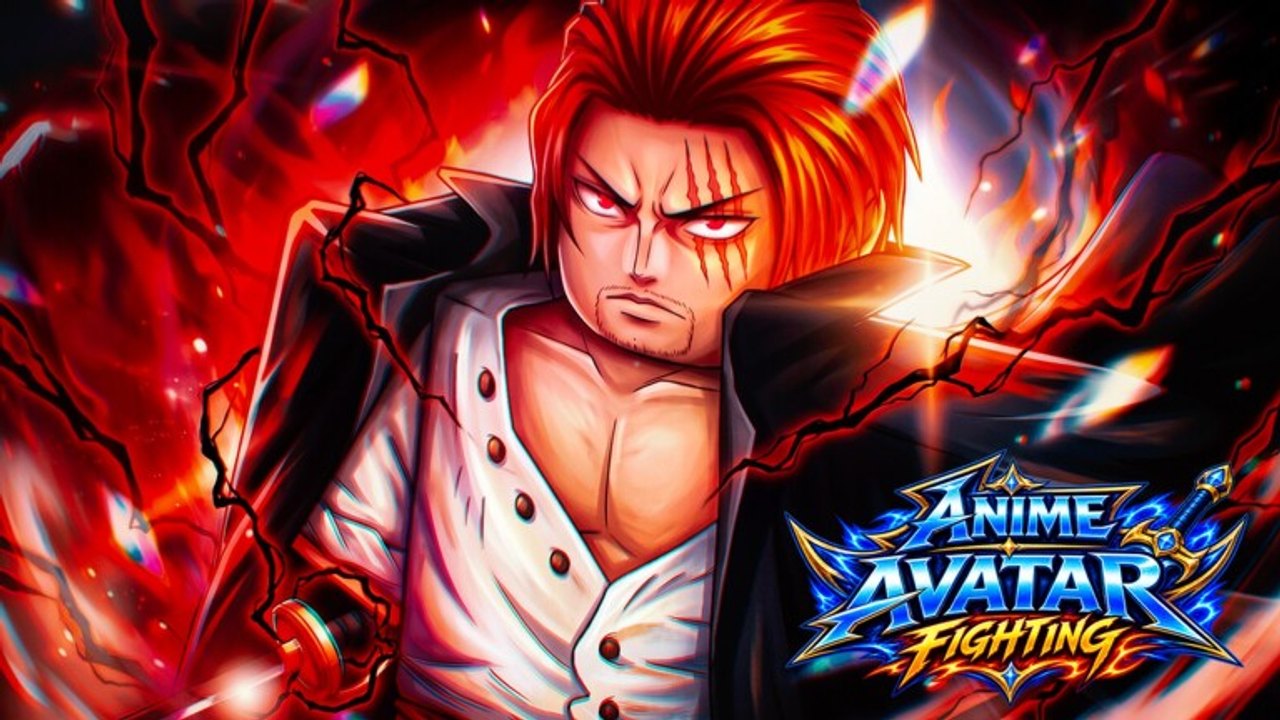
Anime Avatar Fighting is a Roblox incremental simulator released on 14 June 2026 by Avatar Fighting Team. Servers hold 10 players. Trading is live. Codes redeem in Shop then Extra. This Links Hub is the short list of official destinations, plus the wiki pages you actually need after you join. It is not a Trello mirror, because no official Trello for this title was found. It is not a developer site. The unnamed wiki you are reading is fan-made.
Official destinations
Use these three first. They are the only URLs this page treats as official:
- Anime Avatar Fighting on Roblox — the live place (id 99761170721610). Join here to play, redeem codes, summon, raid, and trade.
- Avatar Fighting Team group — the developer community. Membership unlocks free Auto Attack and Fast Machines, which is the supported idle layer described on the Scripts Hub.
- Official Discord invite — announcements, code drops, and patch talk. If something is not in Discord, it is not an official schedule.
The Roblox description also notes loyalty gifts for people who played Anime Fighting Simulator. Claim those in-game after you load in; they are not a separate website.
There is no official Trello
Older Roblox fighters often keep a public Trello for codes, eggs, and roadmaps. Anime Avatar Fighting does not have one that we could verify. Do not bookmark a random board that merely reuses the name. For new codes, worlds, and events, watch Discord announcements, then cross-check the updates hub and Update 0.5 notes on this wiki. When trading rules change, read the Trade update instead of a card stack that nobody on the staff posted.
If the developers publish a board later, it will be linked from Discord or the Roblox description first. Until that happens, treat Trello search results as fan copies at best.
This wiki is fan-made
This site is an unofficial resource. It is not affiliated with Avatar Fighting Team or Roblox Corporation. Numbers, codes, and perk text can drift after a patch; confirm anything that costs gems or Robux on the official place and in Discord. We do not sell accounts, do not host executors, and do not list loadstrings.
What the wiki is good for:
- Working codes and the Shop Extra redeem steps
- The beginner walkthrough after the Pui Pui tutorial
- Summon, raid, upgrade, trade, and control reference under the guides hub
- Avatar and Champion tiers when you are about to spend gems
- Script safety, auto farm without an executor, and auto summon gem rules
If a page here disagrees with an in-game tooltip, the tooltip wins.
Where to go after you join
A clean first hour looks like this:
- Open the Roblox place and finish the Pui Pui click quest.
- Join the group, rejoin the place, and turn Auto Attack on.
- Redeem codes in Shop Extra. Potion contents are listed on the potion rewards page.
- Follow getting started, then how to summon before you dump gems.
- When the roster can clear a room, use how to raid and how to upgrade.
- If you want to move units, read how to trade on a 10-player server.
- Keep Discord muted except announcements. That channel replaces the Trello this game does not have.
Bookmark this Links Hub for the three official URLs. Bookmark Discord for the next code. Come back to the wiki for the HUD path through Units, Shop, Teleport, Summon Avatar, and Raids. Anything else that asks you to paste a loader is not on this list for a reason.
Frequently Asked Questions
Quick answers for codes, summons, raids, and upgrades.
Is this wiki official?
No. It is a fan-made guide. Confirm codes, group perks, and patch timing on the [Roblox experience](https://www.roblox.com/games/99761170721610/Anime-Avatar-Fighting) and in the [official Discord](https://discord.gg/uueR5f2JYn).
Is there an official Trello?
No public Trello for Anime Avatar Fighting was found. Use Discord announcements, then the updates hub, instead of an unofficial board.
What does joining the group give me?
Avatar Fighting Team advertises free Auto Attack and Fast Machines. Join the [group page](https://www.roblox.com/communities/32539357), rejoin the place, then idle with the auto farm loop.
Where do I redeem codes?
In-game: Shop on the left HUD, Extra, then Redeem. The codes list stays in sync with drops posted in Discord.
Where should a new player start on this wiki?
Redeem codes, then open the beginner guide. Skip script pastes; the Scripts Hub explains why none are listed.