Anime Avatar Fighting Guides Hub
First-hour, summon, raid, upgrade, trade, and control walkthroughs for this Roblox incremental.
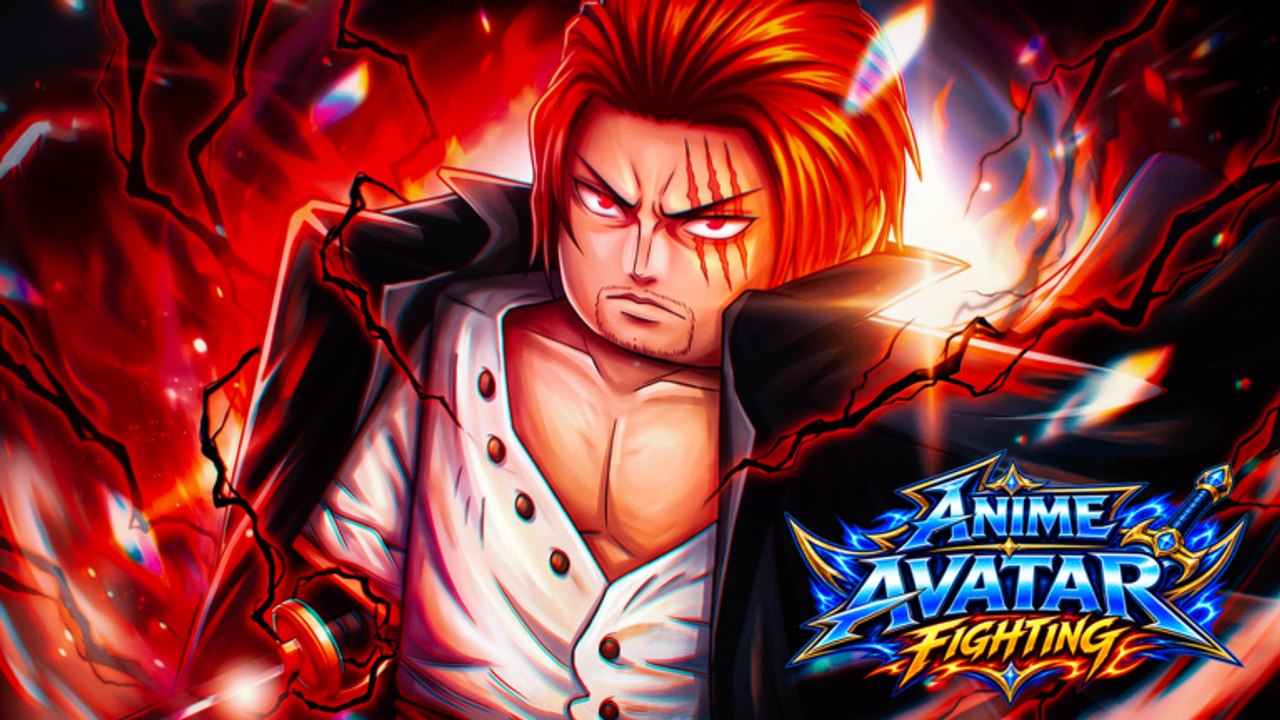
Anime Avatar Fighting is a Roblox incremental autoclicker from Avatar Fighting Team. You click enemies, summon anime-inspired avatars, hatch Champions, then push worlds until Auto Attack carries the farm. This hub is the index for every how-to on the wiki. Pick a page by the bottleneck in front of you, not by reading every article in order.
The experience launched on 14 June 2026. Servers hold ten players. The loop is online, not a single-player sandbox. After about 506,000 visits, the live title still rewards the same first hour: redeem codes, finish the tutorial enemy, join the group, then spend gems with a plan. Play the place on Roblox when you want the live client rather than a screenshot.
First hour and HUD
Open the beginner first-hour walkthrough before you dump gems. That page walks the left HUD (Units, Shop, Items, Teleport, Achiev, Profile), the Pui Pui click quest, Shop Extra for codes, and the Avatar Fighting Team group perk that grants free Auto Attack and Fast Machines. If you already played Anime Fighting Simulator, look for loyalty gifts on the same account. Movement still uses Roblox walk and jump, so you walk to machines even after Auto Attack is on.
Redeem every live string from the working codes list using the code redeem steps. Do not paste a table into your notes and forget the Extra tab; each code is one use per account. Potion drops last fifteen minutes. Read potion I II III tiers when you are ready to time Damage, Drop Chance, Luck, Coin, Gem, and XP flasks.
If the buttons still feel random, jump to the HUD and click-to-attack map. Click-to-attack is the tutorial. Auto Attack is a group unlock. Mobile and PC share the same left column; the difference is tap versus mouse.
Summon, hatch, then fight
Gems belong at the Summon Avatar machine in the world. The Summon Avatar and Champion hatch steps cover luck potions before a roll, Champion hatch and craft, and why Lucky, Fast Hatch, and +5 Eggs gamepasses stay optional. Split the rest of that loop across the Champion hatch and craft walkthrough, the group Auto Attack unlock, and the optional Lucky Fast Hatch notes so Robux never sits on the critical path. Check the avatar power ranking and Champion ranking before you lock a carry. The best avatar picks page is the roster view when you want roles, not unofficial copyright titles. This wiki does not invent a named character list; treat key art as flavor.
When regular enemies stop paying, move to the world boss and raid route. World bosses and raids drop the rewards that justify potions. Teleport from the HUD instead of jogging across islands. Bring upgraded units, not a box of raw summons. The Players hub and Champion collection notes sit next to those combat pages when you need a roster check.
Power, trade, and patches
Three power verbs matter and they are not the same button: Upgrade, Refine, and Ascend. The Upgrade Refine Ascend path keeps those steps separate and tells you not to delete every weak copy. Champions follow the same investment logic as avatars. The Tier List hub is the ranking layer on top of that path.
Trading is live. The Roblox title prefix reads TRADE, and the matching code landed with that patch. The Gift panel and Trade patch notes explain Extra Gift for shop items and the Trade update without inventing an auction house. Patch context lives on the Trade update recap and the Updates hub. Update 0.5 notes are the other live beat worth reading after codes.
Tools around the guides
Use this hub as the index, then branch. Scripts overview plus auto farm notes and auto summon notes are optional client tools with their own risk notes, not a replacement for group Auto Attack. Official and community URLs sit on the official links hub, including the official Discord.
The right next click is the one that unblocks your current wall. Stuck on damage? Raid with potions. Stuck on luck? Summon with a Luck flask. Stuck on inventory clutter? Upgrade, then Gift a spare shop item. Come back here when a patch lands; the child pages below stay the working order.
Frequently Asked Questions
Quick answers for codes, summons, raids, and upgrades.
Which guide should a new Anime Avatar Fighting player open first?
Start with the beginner first-hour walkthrough, redeem the working codes list, then follow Summon Avatar and Champion hatch steps before you spend a large gem stack.
Do I need Lucky, Fast Hatch, or +5 Eggs to follow these guides?
No. Those gamepasses appear in community hatch sessions and can speed rolls, but codes, group Auto Attack, potions, raids, and upgrades carry a free account.
Where do I redeem codes without hunting every shop tab?
Open Shop on the left HUD, tap Extra, then Redeem. Full clicks live on code redeem steps. Each code works once per account.
Is trading actually live in Anime Avatar Fighting?
Yes. The live title prefix is TRADE, the TRADE code dropped with that patch, and Extra can Gift a shop item to a selected player. Read the Gift panel and Trade patch notes.
How big are servers and is the game online?
Servers hold ten players. The experience is online on Roblox, released 14 June 2026 by Avatar Fighting Team, with roughly 506,000 visits at the time this hub was written.